
In this post
Cyber threat intelligence has no shortage of insight.
What it lacks, too often, is a good publishing model.
This post explains:
- the producer problem the Cyber Threat Exchange was built to solve
- why we chose STIX 2.1 and TAXII as the core delivery model
- how researchers can publish intelligence into a feed
- how defenders and CTI teams can consume that intelligence in operational workflows
The short version is simple:
Good intelligence should not disappear into PDFs, screenshots, and one-off reports.
It should be structured, queryable, and ready to move into the tools where teams actually work.
The problem we wanted to solve
There are many researchers producing high-quality work on ransomware groups, intrusion sets, malware families, campaigns, vulnerabilities, and geopolitically relevant activity.
But turning that research into something structured, distributable, and operationally useful is still harder than it should be.
In practice, researchers often end up choosing between:
- blog posts
- PDF reports
- social media threads
- closed customer delivery models
- one-off exports from internal tooling
Those formats are fine for reading.
They are much less useful for operationalisation.
If an analyst wants to search, enrich, pivot, correlate, deduplicate, or automate against that research, they usually have to reconstruct the structure by hand.
That is exactly the friction we wanted to remove.
We built the Cyber Threat Exchange to give specialist researchers a straightforward way to publish structured intelligence, and to give consumers a straightforward way to subscribe to the feeds that actually matter to them.
Why structure matters
When research is published as structured data, it becomes far more useful.
Instead of relationships being implied in prose, they become explicit and machine-readable.
That means downstream teams can:
- search across feeds for specific IoCs, malware, campaigns, or adversaries
- enrich existing intelligence with additional context from specialist researchers
- trace relationships between observables and higher-level entities
- push intelligence into TIPs, SIEMs, or internal automation pipelines
- choose the feeds that fit their intelligence requirements instead of accepting one generic stream
The Cyber Threat Exchange is a marketplace for cyber threat intelligence, but the real design goal starts on the producer side:
make publishing structured CTI easy enough that good research keeps its structure all the way to the consumer.
The core model
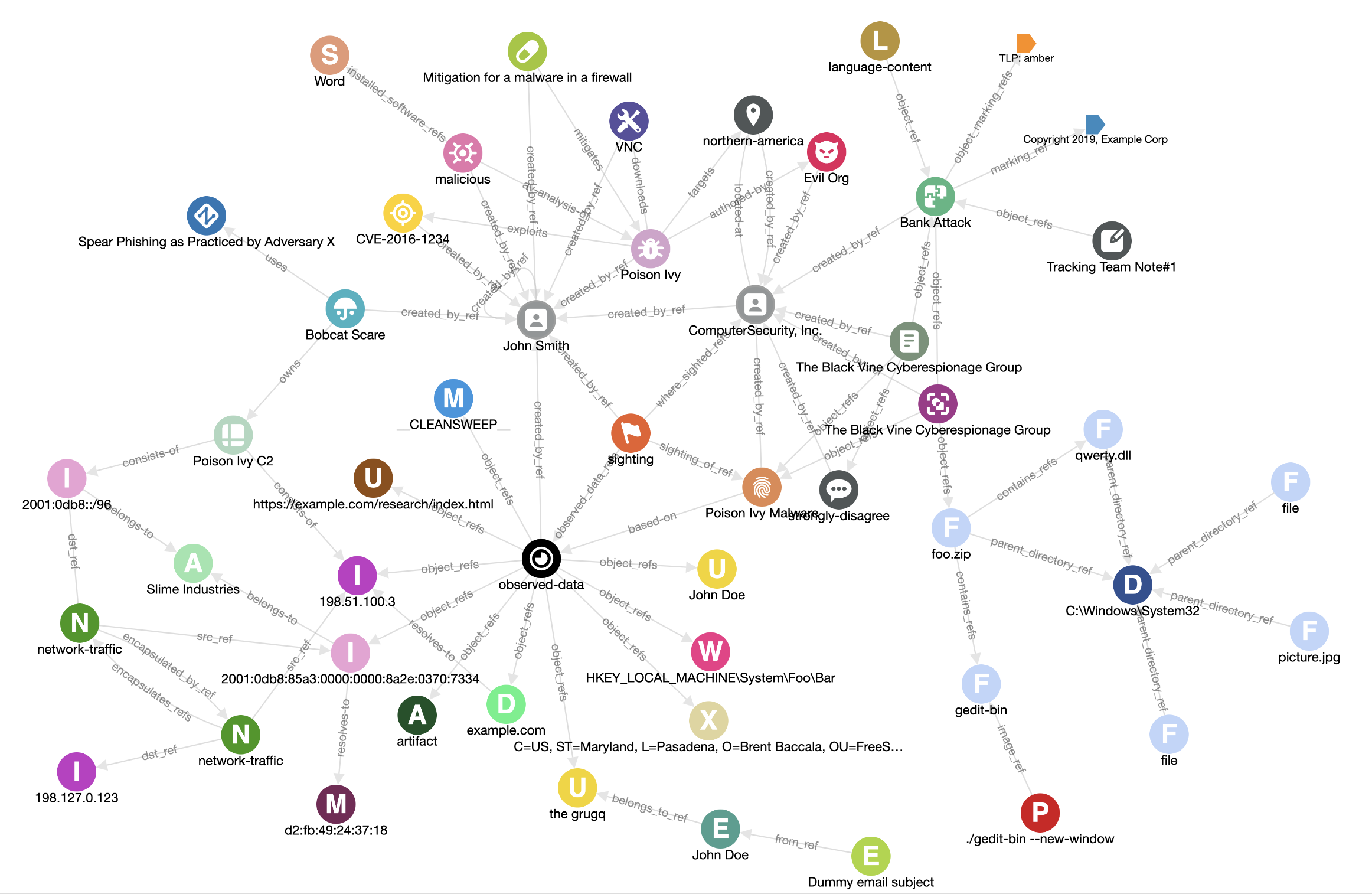
The Cyber Threat Exchange accepts and delivers STIX 2.1 objects.
That choice matters.
Using a common standard means researchers can contribute intelligence in a format that is interoperable and already understood by a large part of the CTI ecosystem.
It also means consumers are not locked into one interface or one workflow. The intelligence can move where it needs to go.
For researchers, that means publishing to an audience that wants structured intelligence, not just commentary.
For consumers, it means subscribing to specialist feeds while still receiving the data in a standard format that can be queried, transformed, and integrated elsewhere.
Publishing
Publishing into a feed with the API
Once you have created a feed, publishing is just a matter of sending a STIX bundle.
You can see the API docs here.
At a high level, the workflow is:
- create a feed
- generate a STIX 2.1 bundle
POSTthat bundle to the feed endpoint
For example:
curl -X 'POST' \
  'https://api.cyberthreatexchange.com/v1/feeds/1f756aa5-e465-5078-a3db-e2fb097b3f83/bundle/' \
  -H 'accept: application/json' \
  -H 'API-KEY: HIDDEN' \
  -H 'Content-Type: application/json' \
  -d '{
    "type": "bundle",
    "id": "bundle--5ea3c990-ba98-4444-bfe4-8c1e2670f20f",
    "objects": [
      {
        "type": "ipv4-addr",
        "spec_version": "2.1",
        "id": "ipv4-addr--d3a9f1e0-6805-567b-ba00-d2d52b0c44a0",
        "value": "213.209.159.159"
      },
      {
        "type": "ipv4-addr",
        "spec_version": "2.1",
        "id": "ipv4-addr--02d4e747-b1cc-54f6-9749-ffcbcca4fd3d",
        "value": "2.57.121.112"
      }
    ]
  }'
For technical intelligence teams, the important point is that you do not need to reshape your output into a proprietary format first.
If your pipeline already produces usable STIX, publishing becomes another step in the workflow rather than a separate manual process.
Publishing from existing CTI tooling
An API alone does not solve the whole publishing problem.
Many teams already curate intelligence in other platforms, so we also wanted a way to publish from existing tooling without requiring a custom export path for each product.
That is where connectors come in.
The first connector we built was for TAXII servers.
This means you can point a Cyber Threat Exchange connector at a TAXII server and use it to populate a feed with intelligence from another platform.
Connectors belong to feeds, and creating them is simple.
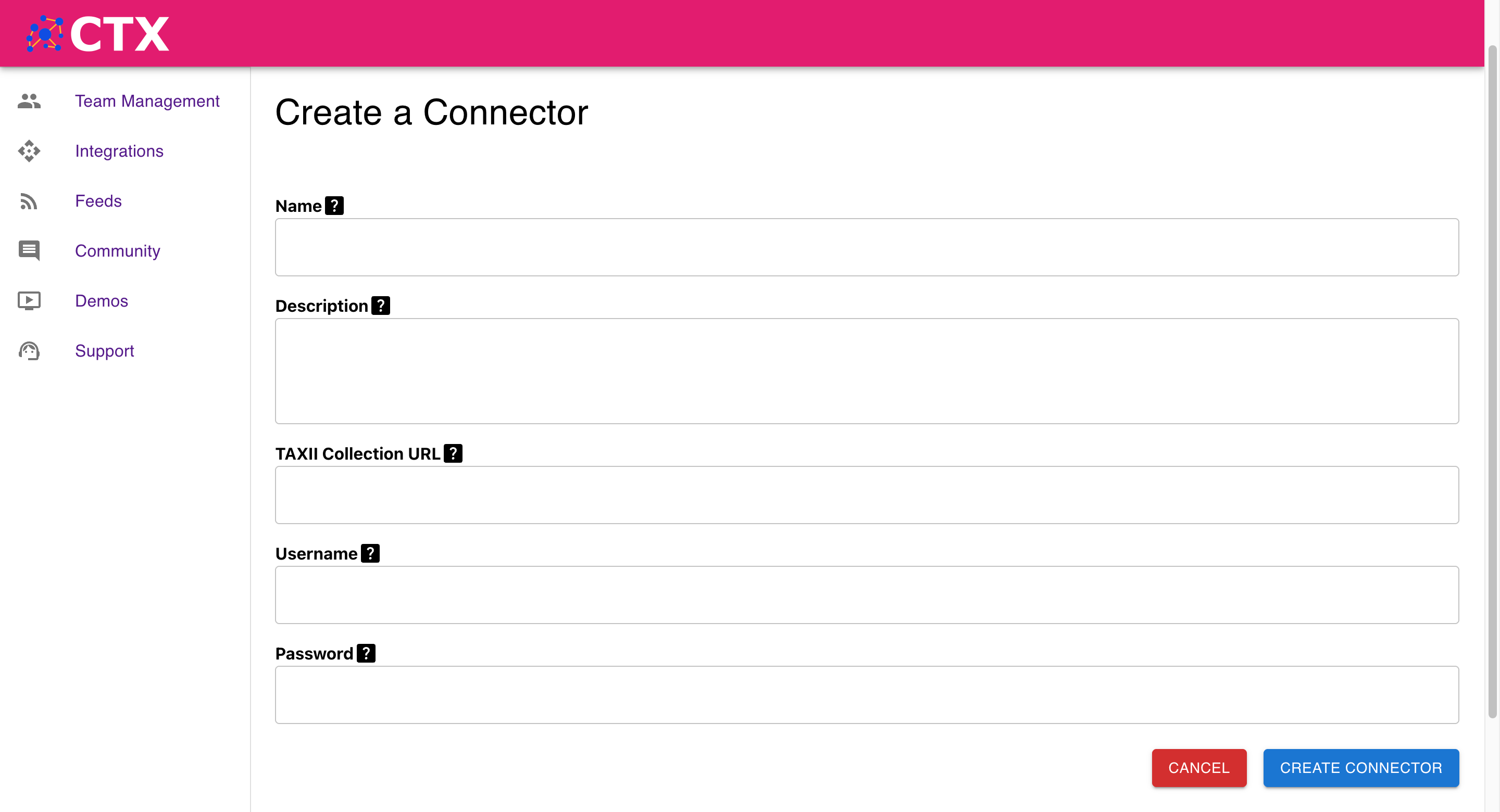
We chose TAXII first because it gives us the broadest compatibility with the least custom engineering.
For teams already managing CTI in platforms like OpenCTI, this creates a much more practical route to publication.
Example: publishing from OpenCTI via TAXII
In OpenCTI, go to Data Sharing > TAXII Collections > Create a TAXII Collection.
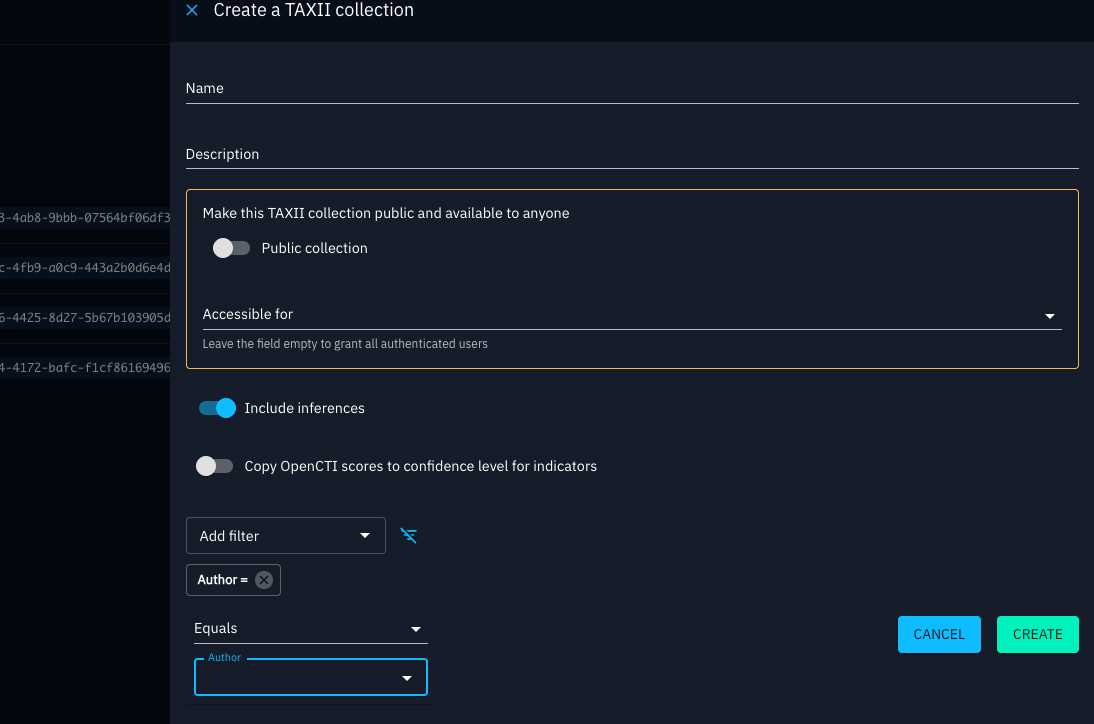
When setting it up:
- choose the visibility that matches the audience for the feed
- make sure the user account used by Cyber Threat Exchange has permission to access the collection
- apply filters so the feed only contains the data you actually want to publish
That last point matters.
For practitioners, a useful feed is usually curated, not exhaustive. A tightly scoped ransomware, sector, malware-family, or regional feed is often more valuable than a noisy export of everything.
Consuming intelligence from the exchange
Once a feed is published, users can subscribe to it.
Researchers can offer feeds for free or for a fixed monthly price (we have already published more than 20 free feeds).
From the consumer side, the value is flexibility.
We know different teams want to operationalise intelligence in different ways, so the exchange supports several consumption patterns.
1. In the Cyber Threat Exchange UI
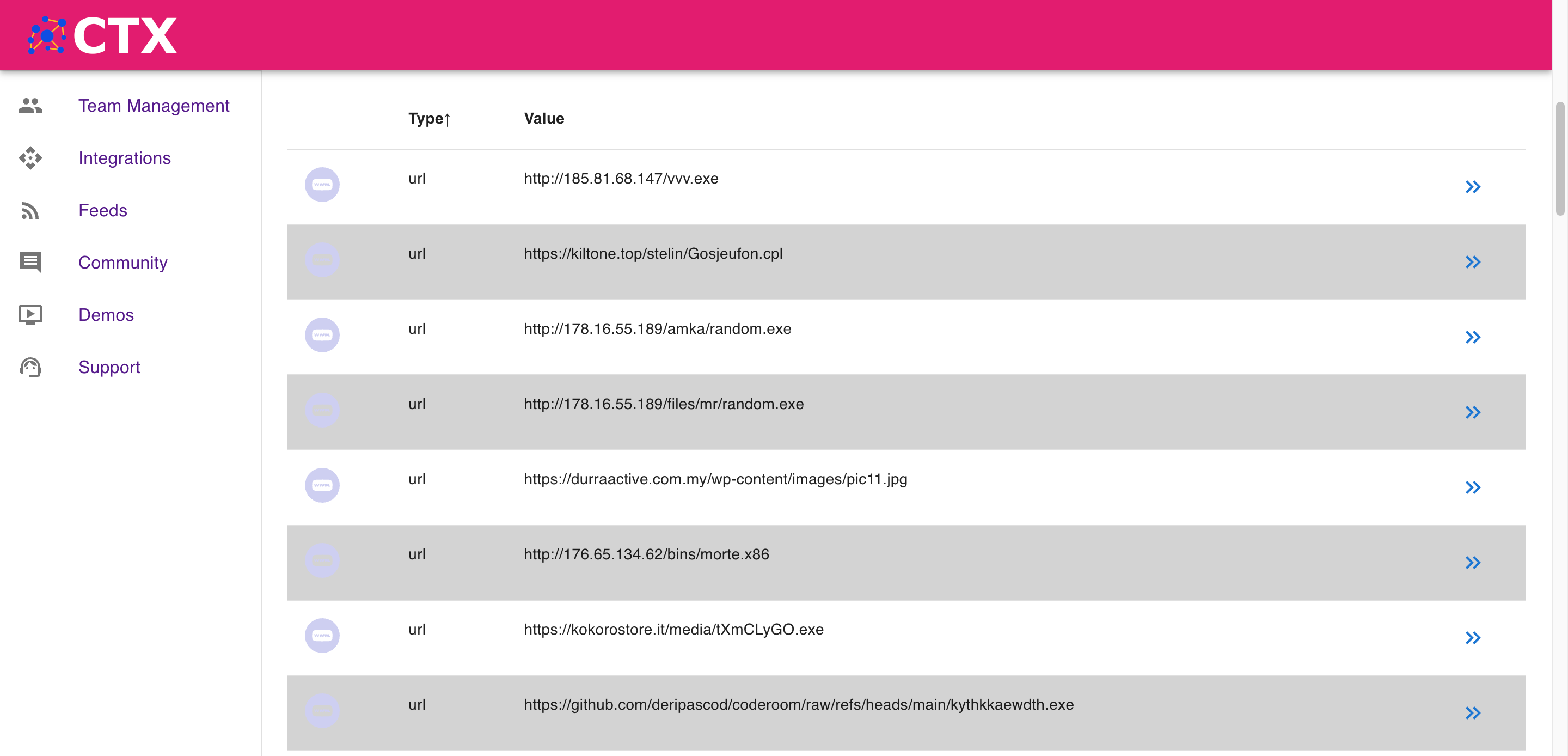
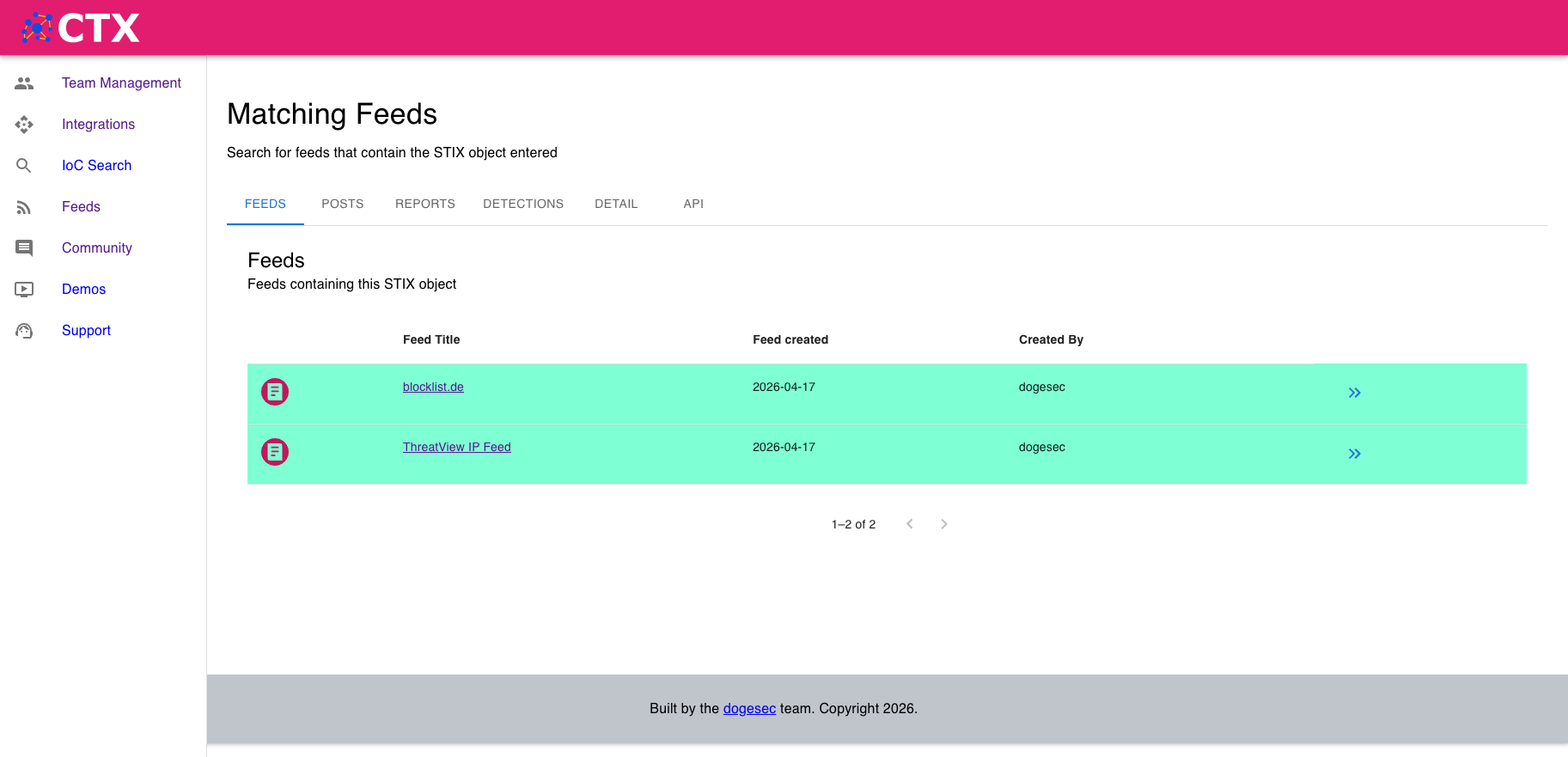
The UI is useful when you want to explore a feed before integrating it elsewhere.
Two practical starting points are:
- find IoCs that appear in multiple feeds to understand overlap and signal strength
- pivot into related reporting in Obstracts, reports in Stixify, and detection rules in SIEM Rules to see where else the same intelligence appears
For analysts, this helps answer a common question quickly:
Is this a one-source artifact, or is it part of a broader body of reporting?
2. Using prebuilt connectors
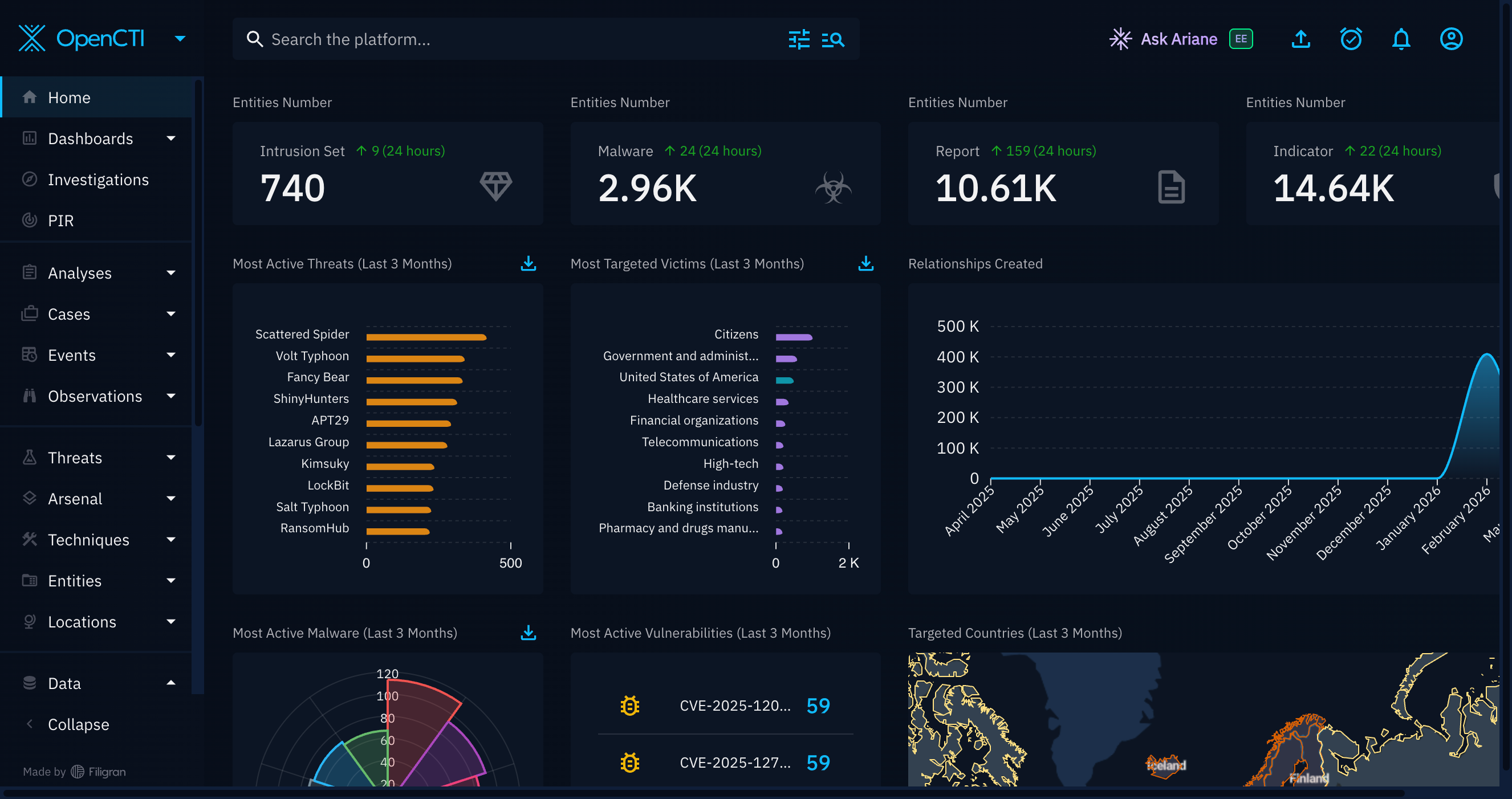
If you are using OpenCTI, you can plug directly into the Cyber Threat Exchange using the connector we built.
Choose the subscribed feeds you want to import, and the connector handles the rest.
This is the quickest route for teams that want exchange data to appear inside an existing TIP workflow without building their own ingestion layer first.
3. Using the TAXII API
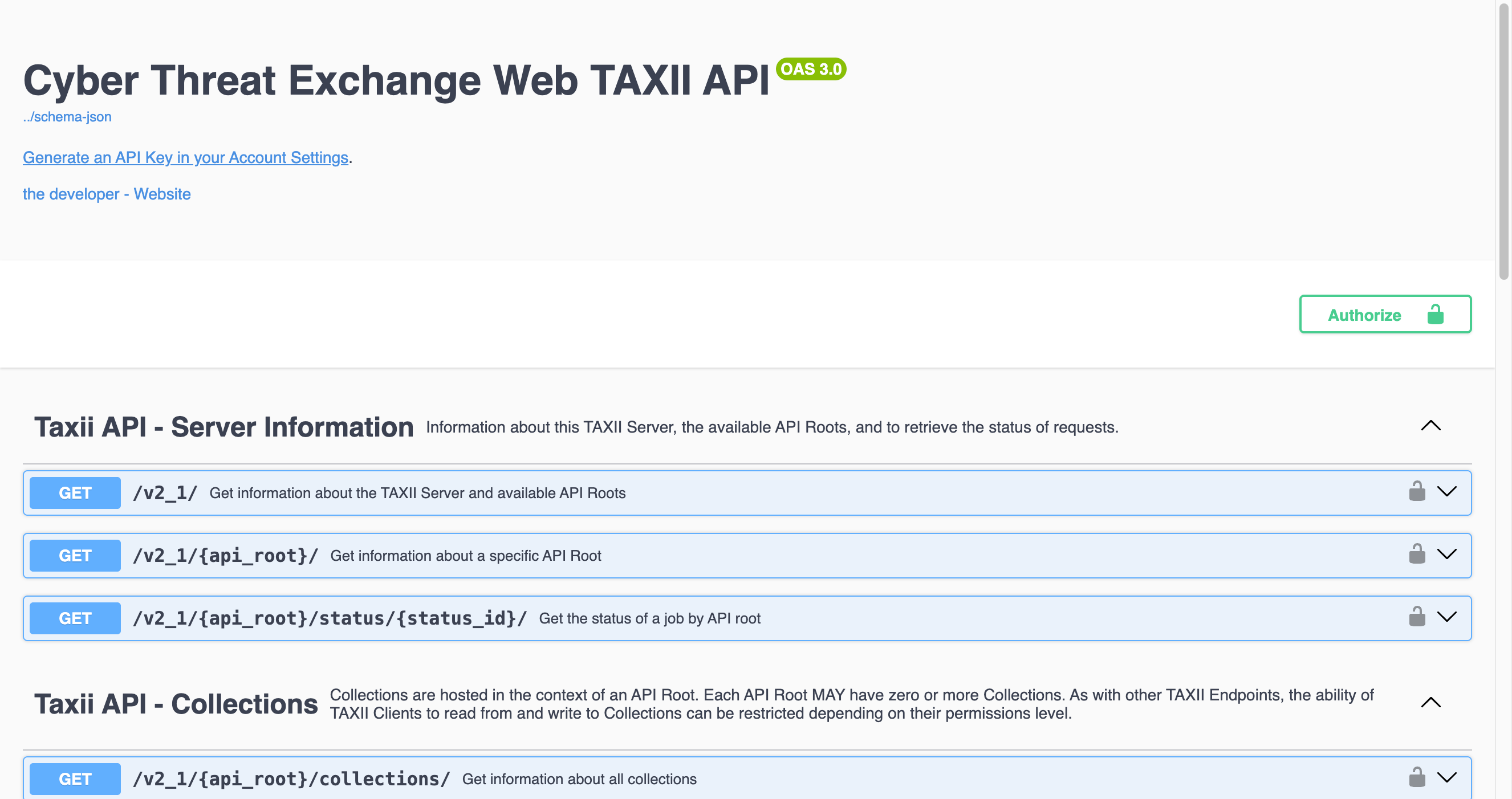
If your downstream tool can act as a TAXII client, you can poll intelligence directly from the Cyber Threat Exchange TAXII server.
All feeds are separated into TAXII collections, so you can choose exactly which feeds to pull from.
This is a good fit for:
- TIPs that already support TAXII collection polling
- central CTI pipelines that want scheduled pull-based collection
- teams standardising ingestion across multiple vendors and sources
To use the TAXII API, create an API key in the Cyber Threat Exchange and use it to authenticate your TAXII client.
Explore the Cyber Threat Exchange TAXII documentation here.
4. Using the REST API
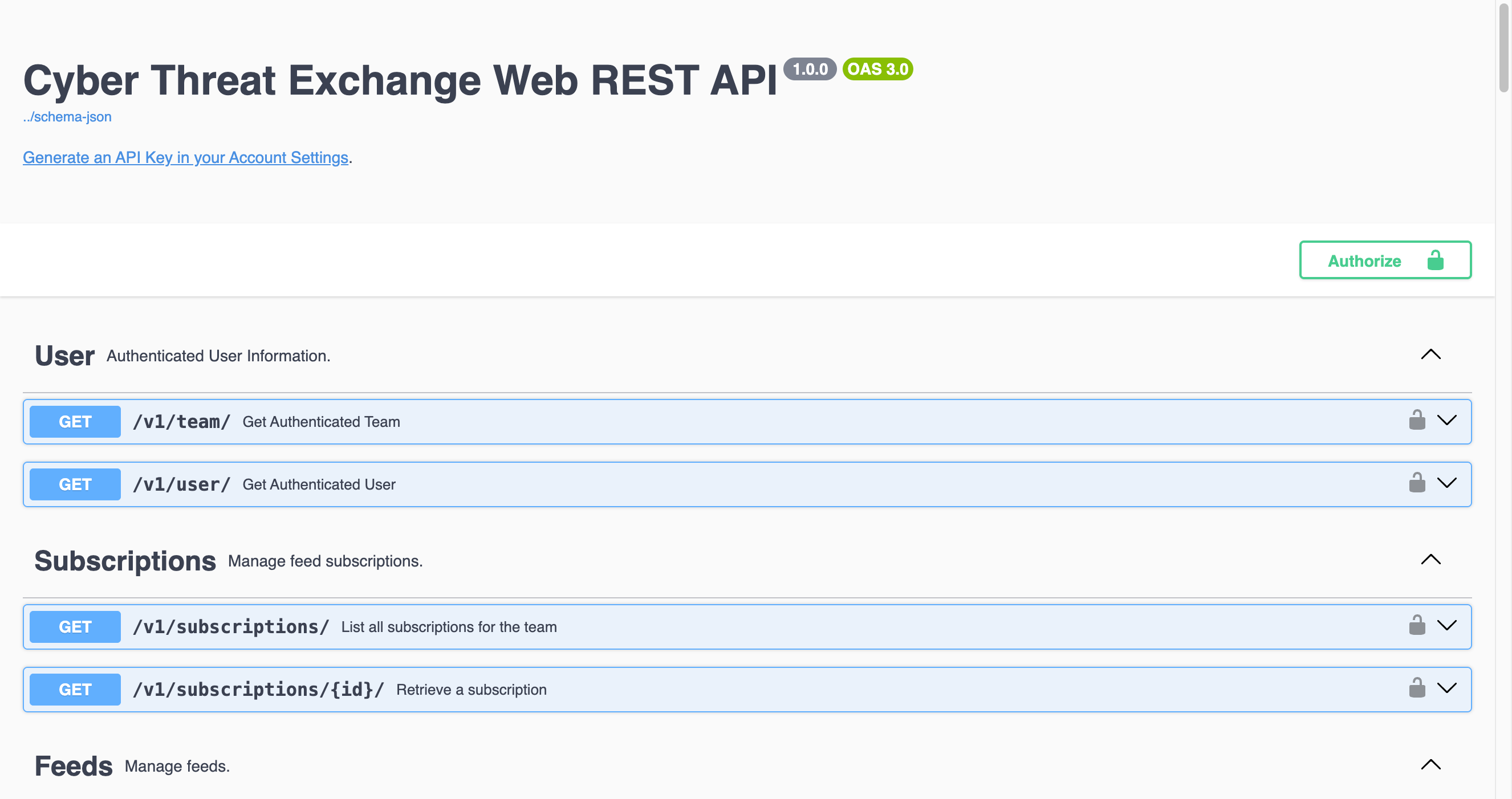
If you want to build your own integrations, enrich existing pipelines, or let internal automation and AI agents interact with the exchange more flexibly, use the REST API.
Publishing and consuming follow the same API-first model, which makes it easier to script around both sides of the workflow.
Explore the Cyber Threat Exchange API documentation here.
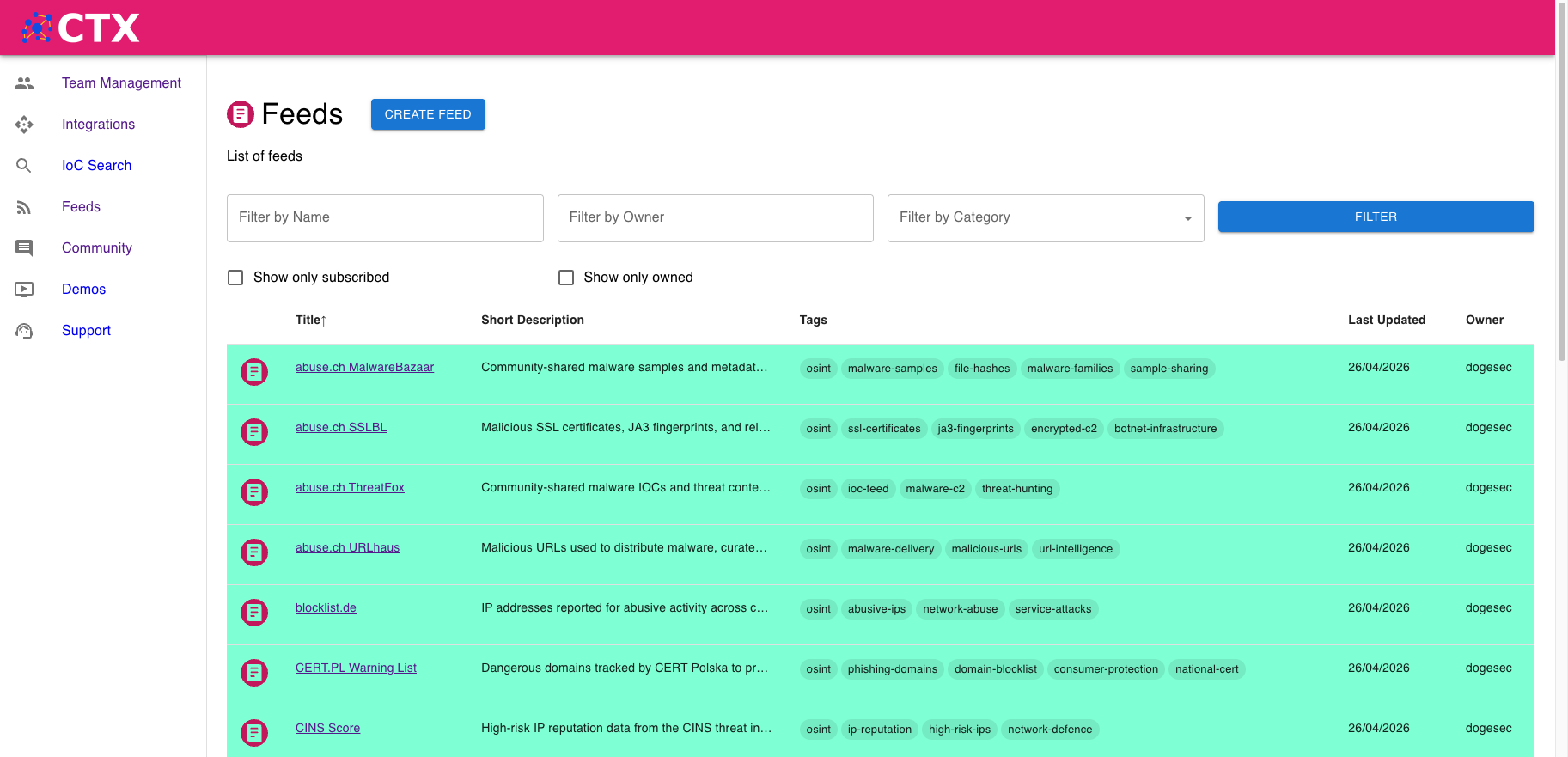
Feeds currently available
Why this matters for practitioners
For technical intelligence practitioners, the real value is not just access to more data.
It is access to better-shaped data.
If intelligence arrives in STIX, can be subscribed to feed-by-feed, and can move through TAXII or API workflows, then it becomes much easier to:
- operationalise specialist research quickly
- test new feeds without redesigning your pipeline
- preserve fidelity between producer and consumer
- reduce manual copy-paste and format conversion work
- build automations on top of research instead of around it
That is the standard we were aiming for.
In summary
The Cyber Threat Exchange was built to reduce friction between research, publication, and operational use.
Researchers should have a straightforward way to publish structured intelligence.
Consumers should have a straightforward way to discover, subscribe to, and operationalise it.
And both sides should benefit from open standards that make intelligence more portable, more usable, and more valuable over time.
Cyber Threat Exchange
The Market Place for Cyber Threat Intelligence.
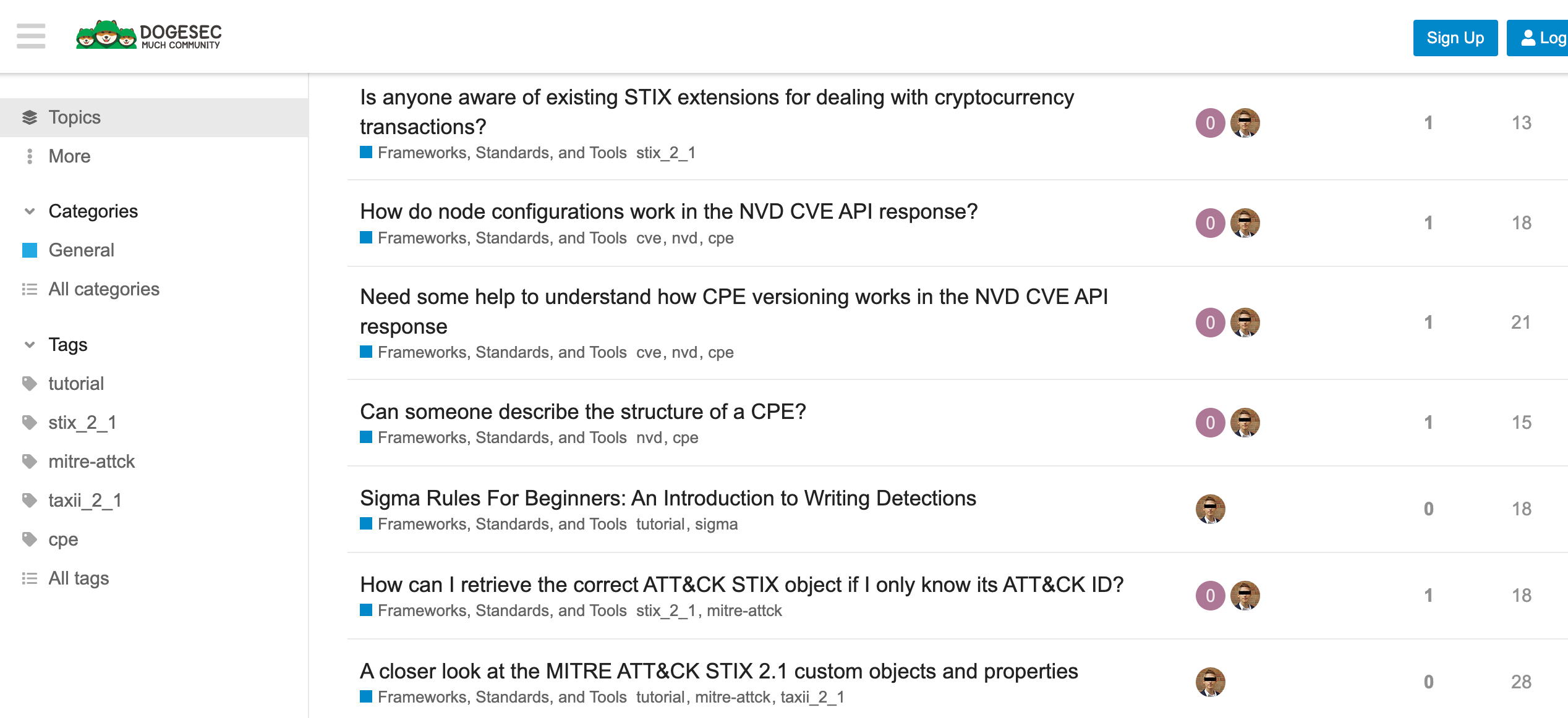
Discuss this post
Head on over to the dogesec community to discuss this post.
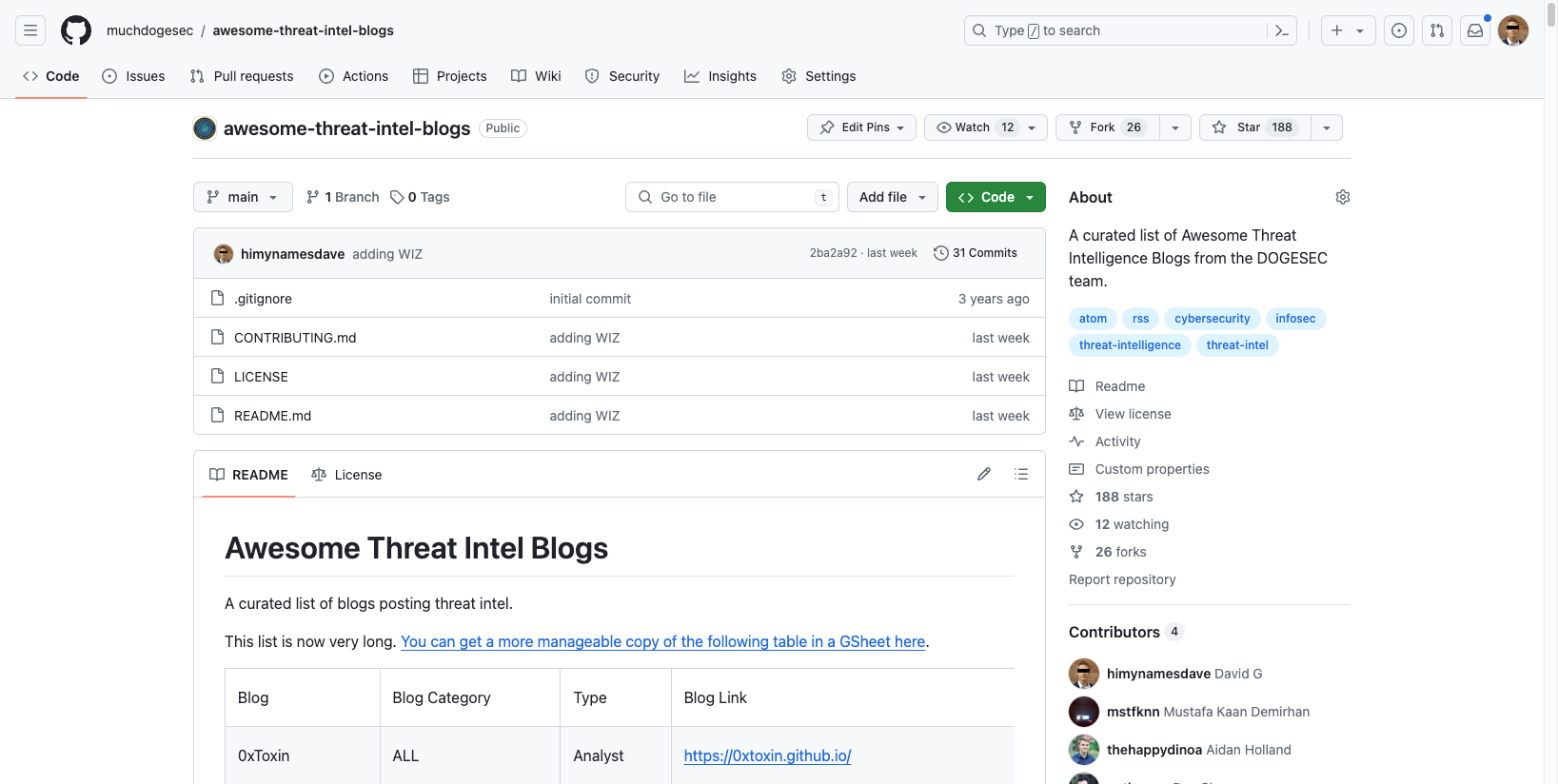
Open-Source Projects
All dogesec commercial products are built in-part from code-bases we have made available under permissive licenses.

Never miss an update
Sign up to receive new articles in your inbox as they published.